0:00
0:00
Speed
 By Muhammad Haris · November 14, 2026 · Last updated: November 19, 2026 · 6 min read
If you own a WordPress website, you have probably been offered one of the many wordpress maintenance packages on the market — a monthly plan that promises to keep your site updated, secure, and running. These packages vary enormously. Some cover the essentials thoroughly. Others charge a monthly fee for little more than an automated update plugin and a report nobody reads. Knowing what a good package should include is the difference between a site that quietly stays healthy and one that breaks at the worst possible moment.
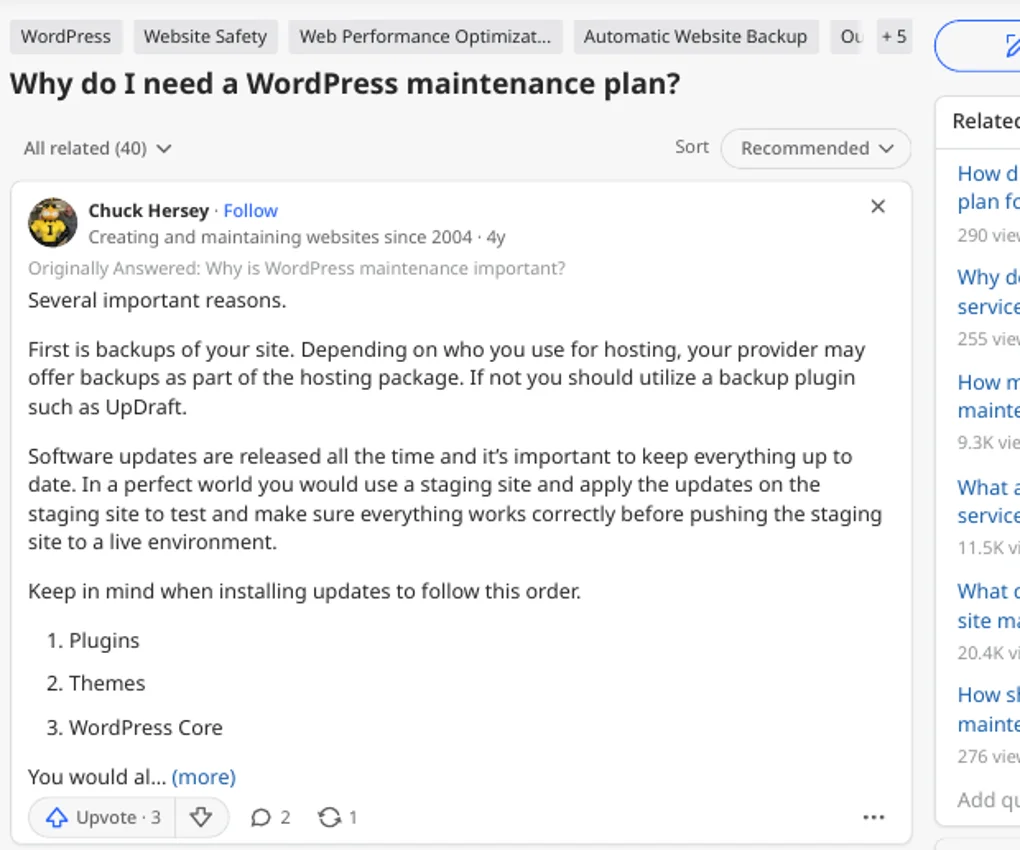
WordPress itself, your theme, and your plugins all receive updates regularly — some fix security holes, others fix bugs. A good maintenance package applies these updates on a schedule — weekly is a sensible default for most small business sites — and checks the site afterwards. An update that breaks a contact form, a checkout, or a layout is worse than a delayed update, so the provider should load key pages after every round and confirm nothing broke.
Updates should also happen in a safe order, never all at once with no check and no way back.
No maintenance package is complete without backups, and this is the first thing to check before signing anything. A good package takes full backups — files and database together — on a regular schedule, keeps several copies, and stores at least one copy away from your hosting account. A backup that lives only on the same server as your site is little help if that server fails.
Just as important, the provider should be able to restore a backup quickly and should test restores periodically. An untested backup is a hope, not a safety net.
WordPress powers a huge share of the web, which makes it a constant target. A good package includes security monitoring: watching for malware, suspicious logins, and changed files, and acting on alerts rather than just forwarding them to you. It should also include uptime monitoring, so someone knows within minutes — not days — if your site goes down.
For most small business sites, this means a reputable security plugin configured properly, regular scans, and a human who reads the results. A provider who cannot explain what happens when an alert fires at midnight is selling decoration, not monitoring.
A site that loads slowly loses visitors and rankings, and performance drifts over time as content, plugins, and images accumulate. A good package includes periodic speed checks — a regular look at whether key pages have got noticeably worse, with image optimisation, caching checks, and database clean-up in moderation.
Small fixes are the other everyday item. A broken link, a form that stopped sending, a page that displays wrong after an update — these are jobs a maintenance package should absorb without a separate invoice each time. The package should state how much fix time is included each month, and what counts as a small fix versus billable development work.
Every maintenance package should end the month with a report readable by a non-technical owner. It should list the updates applied, the backups taken, the security scans run, the uptime result, and any fixes made. It should also flag anything that needs your decision — a plugin that is no longer maintained, a theme approaching end of life, a hosting limit you are close to hitting.
A report that only shows green ticks and uptime percentages is not enough. Look for specifics: which plugins were updated, what was fixed, and what is planned next month.
Maintenance keeps a working site working. It does not include a full redesign, new features, new landing pages, or content writing. Those are development and marketing work, and they should be quoted separately. A package that promises “unlimited edits” usually means unlimited small text changes with a long queue — not unlimited development. Be suspicious of any package that promises everything for one low fee.
Similarly, maintenance does not replace SEO. Keeping a site updated and secure supports rankings, but it does not create content, earn links, or fix a poor content strategy. An SEO audit separates technical problems from content and authority ones, and the technical SEO foundations explain why a healthy, fast site is only the starting point.
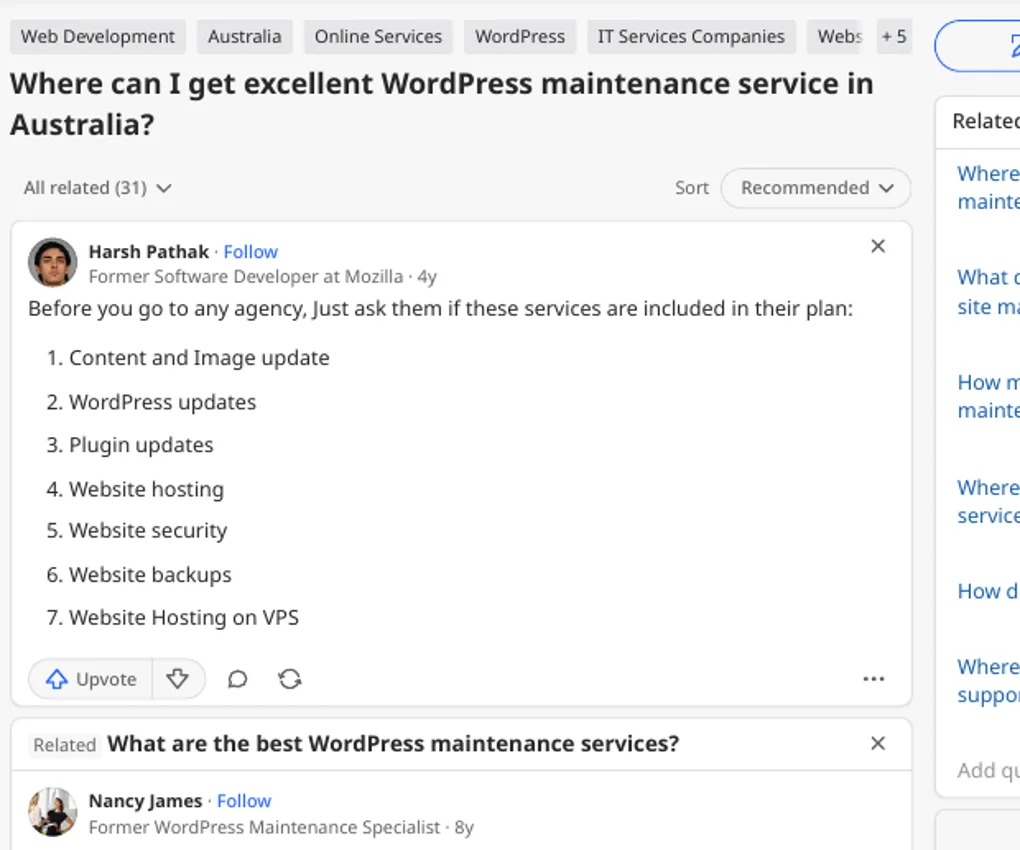
Start with the backup and restore story. Then ask about staging: does the provider test updates on a copy of your site before applying them live? Staging is the single best protection against update breakage, and its absence is a serious gap for any business site.
Next, ask who does the work and how you reach them. A named contact, a reasonable response time, and a clear way to report problems matter more than a long feature list.
Finally, check the exit terms. You should own your site, your backups, and your logins. A provider that holds your backups hostage is a provider to avoid. The content strategy work you build on a maintained site is yours too — make sure the contract says so.
Walk away from any package with no backups, no staging, and no reporting. Those three are the minimum, and a provider missing any of them is selling a plugin, not a service.
Other red flags: “unlimited edits” with no definition, no response-time promise, no mention of who does the work, and a price so low that no human could possibly be involved. Also be wary of rebuild-first pitches — sometimes a rebuild is needed, but it should follow an examination of the site, not precede it.
One more test: ask the provider to explain, in plain language, what they did for a client last month. Plugin names and uptime percentages with no fixes or decisions mean automation with a monthly invoice attached.
For most small business sites, weekly updates, daily backups, continuous uptime monitoring, and a monthly report are a sensible baseline. Larger or busier sites — shops, membership sites, sites with daily content — may need more frequent backups and faster response times.
Scope should match the site. A five-page brochure site does not need the same package as a shop with hundreds of products. Pay for the coverage your site actually needs, and revisit the package once a year as the site grows. The pricing page gives a sense of professional service costs, and the contact page is where a first conversation begins.
Q: What should a WordPress maintenance package include?
A: Regular updates with post-update checks, full off-site backups with tested restores, security and uptime monitoring, periodic speed checks, small fixes, and a readable monthly report.
Q: How often should WordPress updates be applied?
A: Weekly is a sensible default, with security updates applied sooner when they fix a known vulnerability. The key is updates plus checks, not updates alone.
Q: Are backups really necessary if my host already backs up?
A: Yes. Host backups are a useful extra, but do not depend on a backup you do not control. A maintenance package should keep its own full backups, stored away from your hosting account, with restores tested.
Q: Does maintenance include new features or a redesign?
A: No. Maintenance keeps a working site working. Redesigns, new features, and content writing are separate development and marketing work and should be quoted separately.
Q: How do I know if a maintenance provider is actually doing the work?
A: Read the monthly report: it should name the updates applied, backups taken, scans run, and fixes made, with anything needing your decision flagged.

Muhammad Haris is the Founder of Onyx Growth Labs — an SEO specialist, content writer and SEO team lead. He writes the agency's guides on SEO, AI search optimisation, GEO and AEO, technical SEO, local SEO, Google Business Profile optimisation, link building and content strategy. Based in Abbottabad, Pakistan, he helps businesses worldwide get found on Google and in AI search answers.
If you lead marketing for a large organisation, you have probably discovered that SEO advice written for small businesses does not scale…
Read articleIf you run a small business on a limited marketing budget, the social media vs seo question comes up fast: social posts…
Read articleIf you have started checking whether your business appears in AI answers, you have probably found a new problem: a growing number…
Read article


Leave a Reply